Video enhancer
Upscale low-quality videos to 4K. Sharpen blurry clips and remove grain while preserving details in older footage – all in your browser.
Over 1 million creators use Flixier every day including brands like:





See the difference
Why use Flixier to enhance your videos?
-webp.webp)
Increase video resolution and details
Whether it’s a treasured family memory, a lecture, or footage from a client, Flixier can increase the resolution by up to 4 times, while recovering detail and reducing grain and compression artifacts.
-webp.webp)
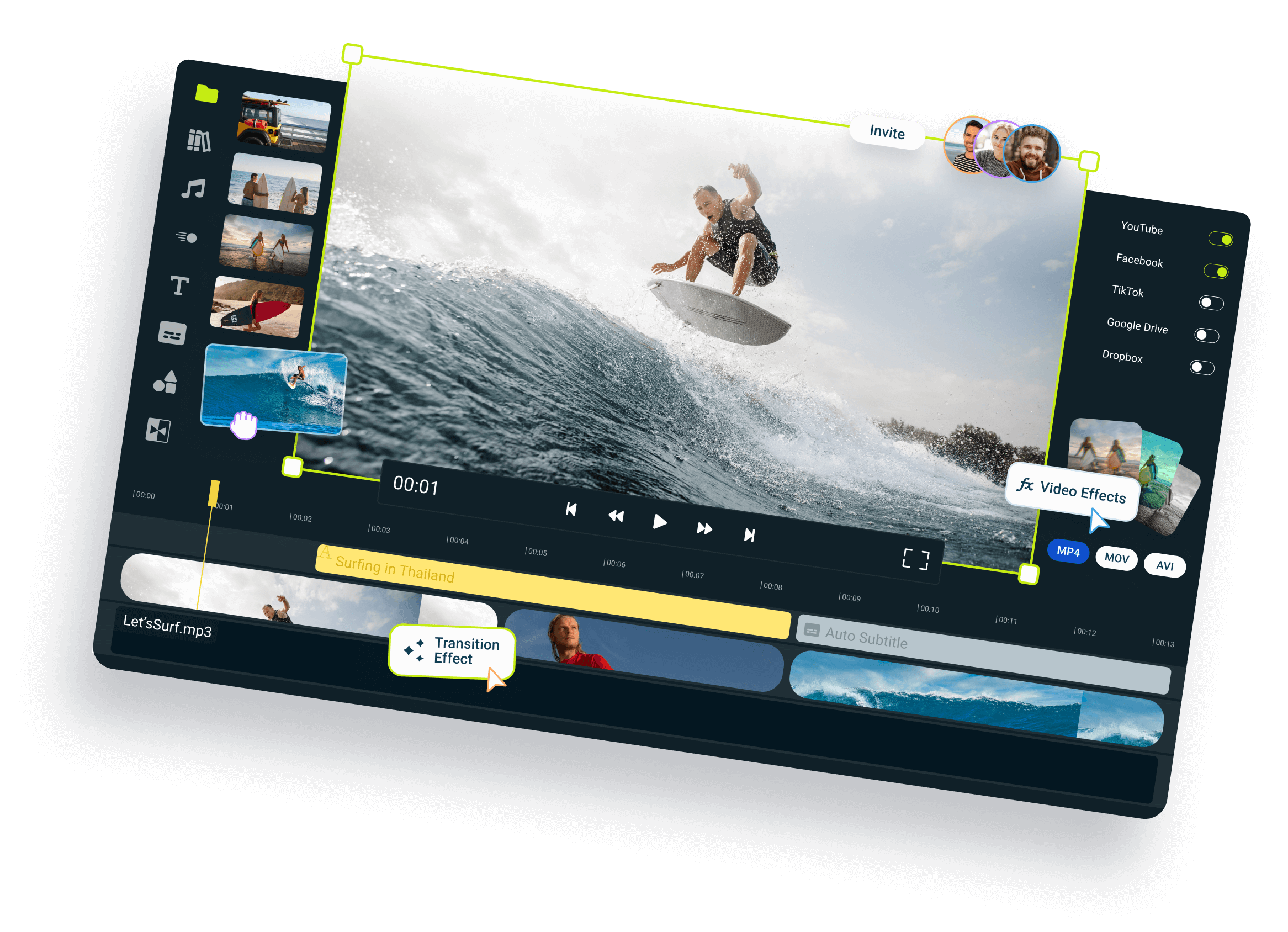
Upscale and edit in one workflow
After you upscale your footage, you can open it in the online editor to change the colors further, clean up the audio, or integrate it into a bigger project, all without leaving your web browser.
-webp.webp)
Choose between four enhancement models
No more overprocessed videos. With four AI models to choose from, you get full control over the final look of your clip instead of relying on a one-size-fits-all solution.
-webp.webp)
Preview your enhanced video for free
You can enhance up to 5 seconds of footage for free to try out the tool and see the results for yourself before committing to upscaling the entire video.
How to enhance video quality with AI:
Who this is for
Educatorss
Business Ownerss
Social Creatorss
Unlike any tool
you've used before




A lot of people think adding copy means adding complexity and increasing mental load. In fact, when grounded in user research, the right messaging does just the opposite. By addressing your visitors’ actual objections and questions, well-written copy helps eliminate confusion and adds clarity.

Still have questions?
We got you!
How can I improve the quality of a video?
To improve the quality of a video you can change various settings like it’s brightness, contrast, saturation or hue. You can also add effects like vignette or filters to get a desired look or vibe.
What is the best free video enhancer?
We believe that Flixier is the best free video enhancer, you can use it without having to download it and it offers all the features you need to effectively improve your video. You don’t even need an account to get started, simply head over to the website and click Get Started.
Can we convert low quality video to high quality?
Yes, you can improve your low quality video to high quality by adjusting a few settings in a video editor like Flixier. Play around with brightness, contrast, saturation and hue, or try to add a few video filters. The results will not be ground breaking if the quality is very low but you will get back some details and some color on your videos which will make them look much better.