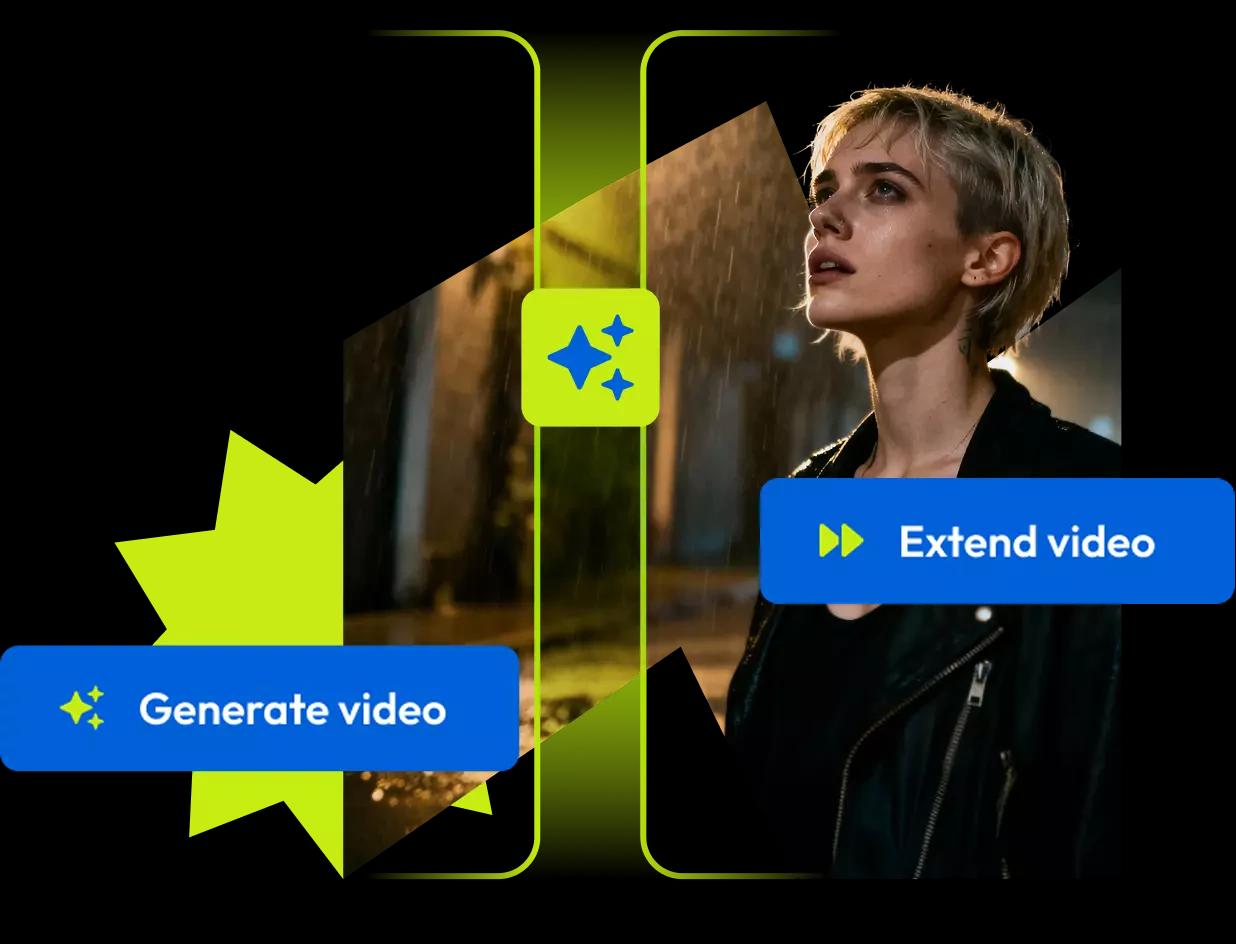



Start a video with AI
Generate visuals directly in your timeline, then keep building the video.
If it's not in the timeline,
it's not finished.
Flixier goes beyond AI video generation. It's the place where you build and finish real videos.
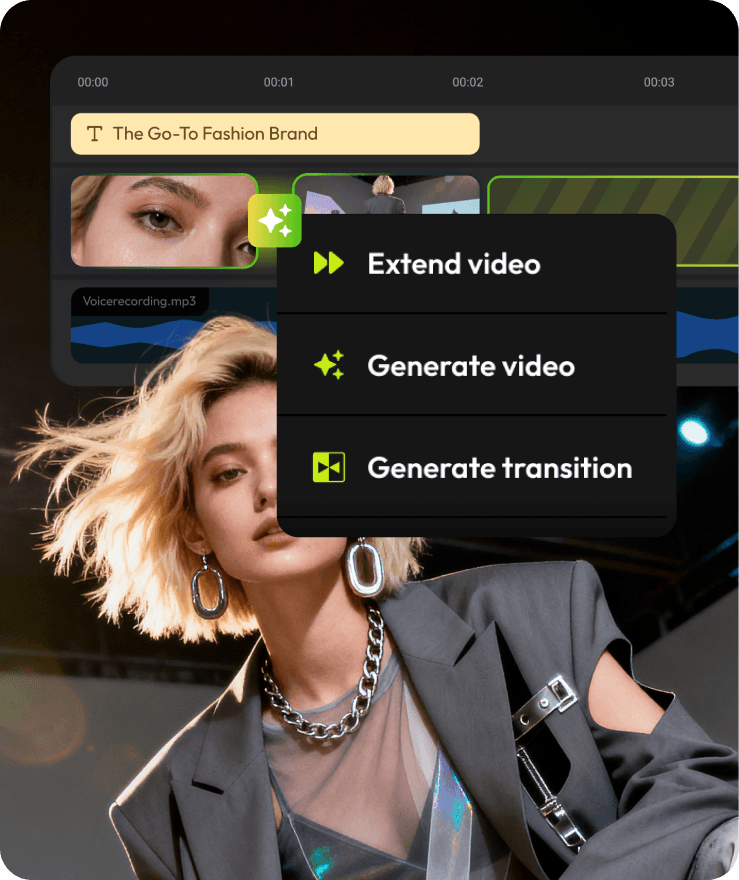
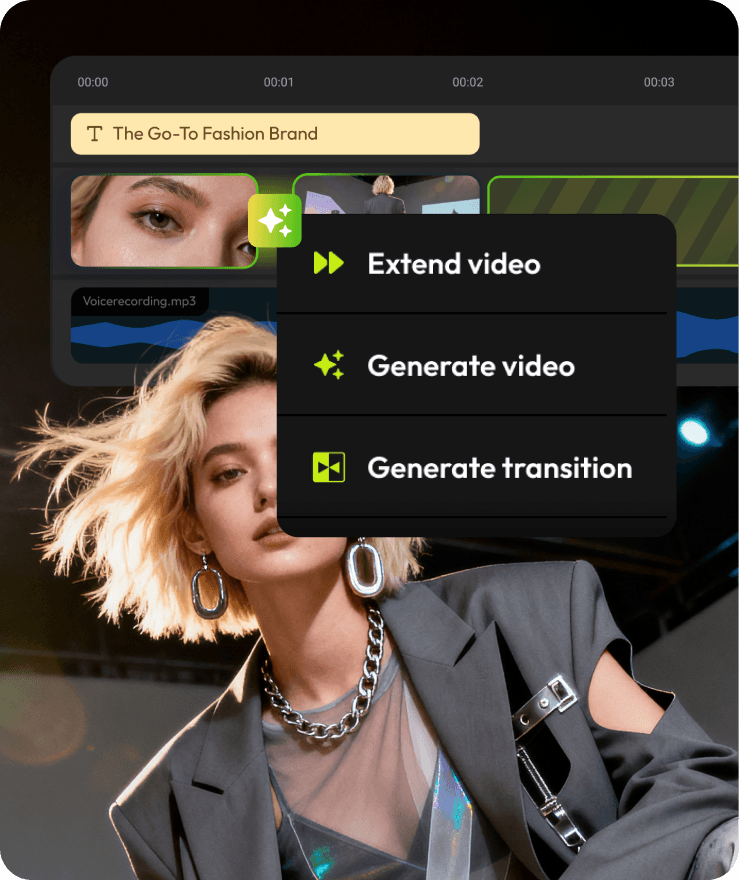
Generate, extend, and connect video
inside the timeline
Multiple models, one workflow
Generate AI video
Try different video outputs before committing anything to your timeline.
Generate AI images
Test visual styles and bring the best result into your timeline.
 Flux 2 Pro
 Nano Banana Pro
 Stable Diffusion 3
 GPT Image 1.5
 Imagine Art
What you can make with Flixier
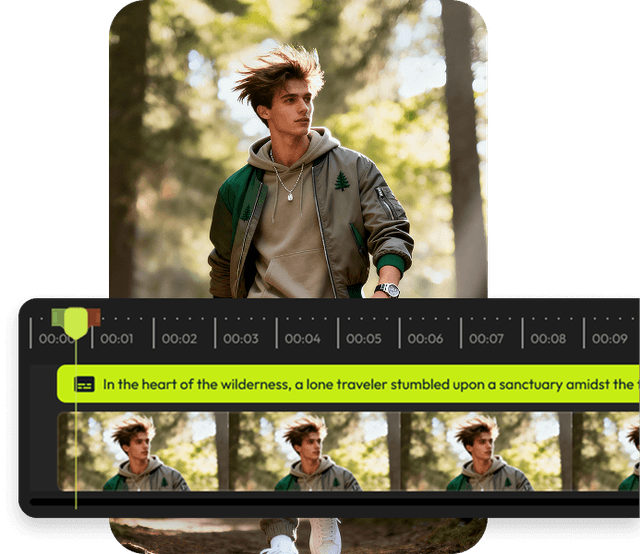
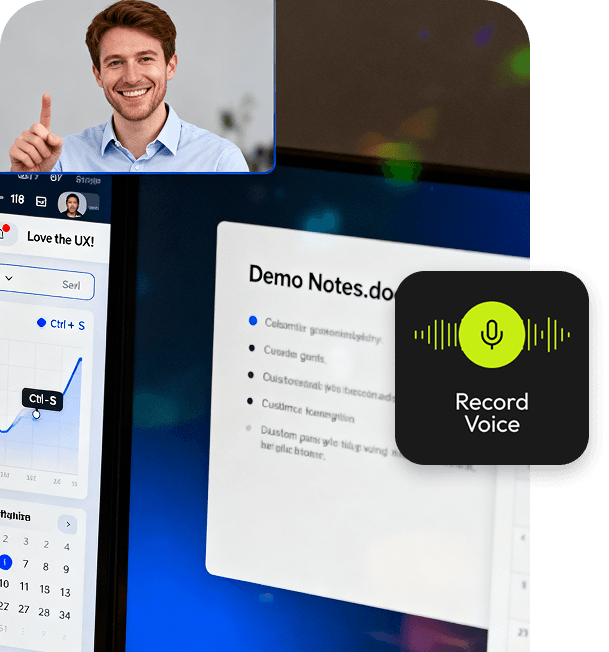
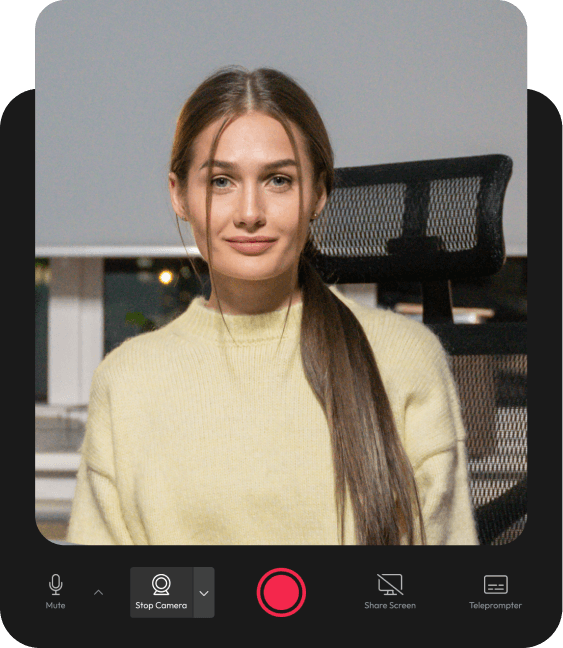
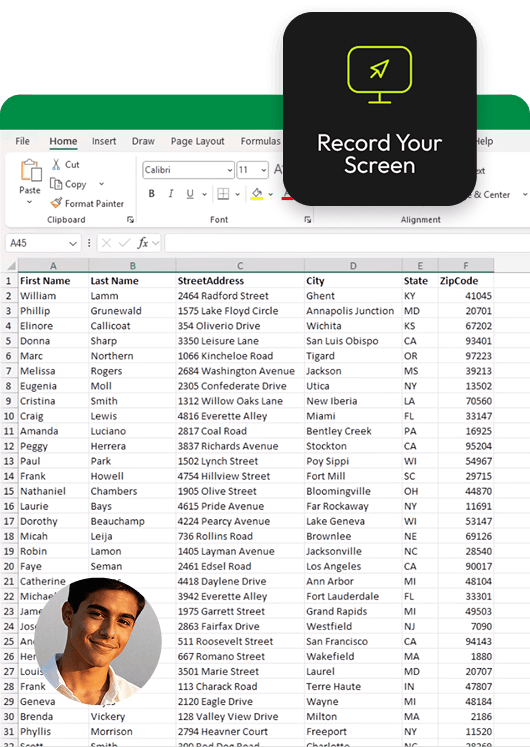
From short social videos to demos and training, Flixier helps you turn ideas, recordings, and AI visuals into finished videos.


Built for teams that ship videos together
Stay on brand, collaborate in real time, and move projects from draft to publish without slowing down.

Review & collaborate
Leave comments on the timeline and move faster without endless back and forth.

Stay on brand
Apply shared logos, fonts, and colors across every video with a team brand kit.

Publish anywhere
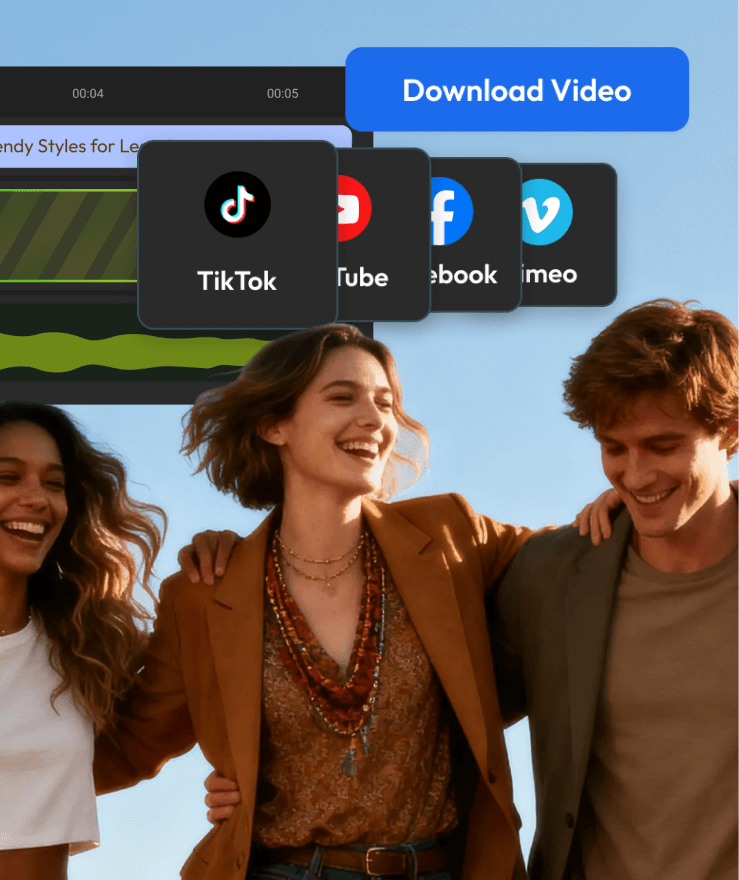
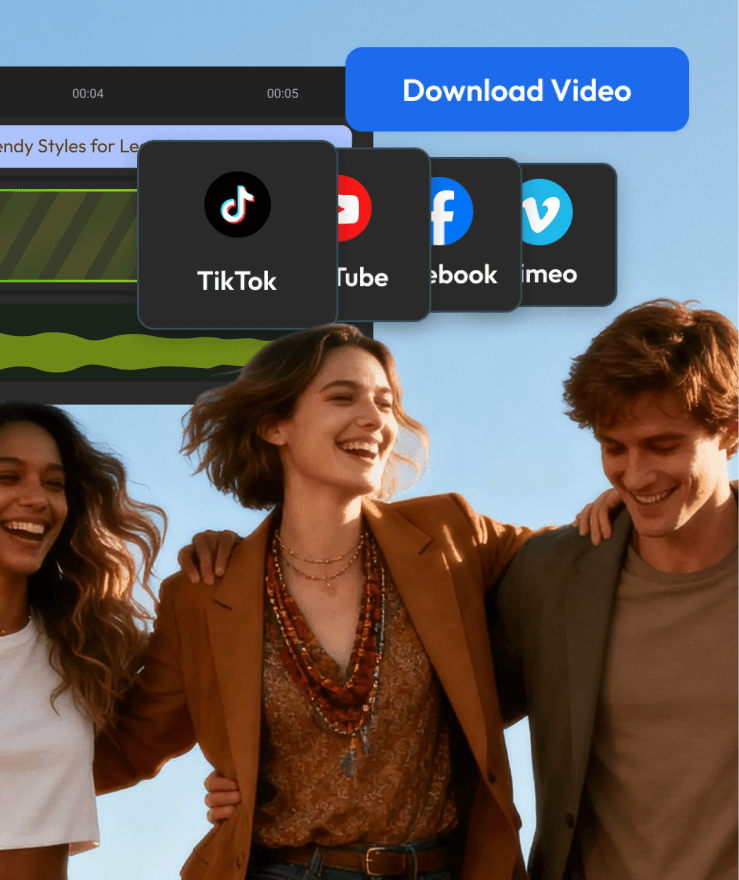
Deliver finished videos confidently with exports ready for every platform you use.
“Most AI tools stop after generation. Flixier is the first place where I can actually turn those outputs into a finished video.”



Flexible plans for every workflow
monthly
yearly (Save 52%)
Free
Try it free. No card needed.
$0 / month
What's included
- 10 min video export / month
- 5 min of subtitles / month
- 720p resolution
- 2 GB storage
- Limited stock library
- Flixier watermark
Starter
For the occasional editor.
$9 / seat / month
What's included
- 60 min video export / seat / month
- 120 min of subtitles / seat / month
- Full HD 1080p resolution
- 20 GB storage / seat
- Limited stock library
- No watermark
Best Value
Creator
For serious, regular creators.
$18 / seat / month
What's included
- Unlimited video exports
- 1500 min of subtitles / seat / month
- 4K resolution
- 250 GB storage / seat
- 4M+ stock assets
- No watermark
- AI video gen inside the timeline
- Edit by transcript
- Brand Kit
Business
No limits. No compromises.
$31 / seat / month
What's included
- Unlimited video exports
- Unlimited subtitle exports
- 4K resolution
- Unlimited storage
- 4M+ stock assets
- No watermark
- AI video gen inside the timeline
- Edit by transcript
- Brand Kit
- Priority chat support
Frequently
Asked
Questions
What is Flixier and how does it work?
Flixier is an AI-powered video editor that runs entirely in your browser. No downloads or installations required. Simply sign up, import your media from any source, and start editing. Our cloud-based technology handles all processing, so even low-spec devices can create professional videos in minutes.
How does AI video generation work in Flixier?
Flixier's AI video generation works directly inside the editing timeline. Type a prompt to generate a video clip, then place it exactly where you want it in your project. You can extend clips from the last frame, create AI transitions between scenes, and try different AI models before committing. Unlike standalone AI generators, Flixier lets you refine the result immediately — trimming, adding voiceover, captions, and effects without leaving the editor.
Can I generate videos using AI with Flixier?
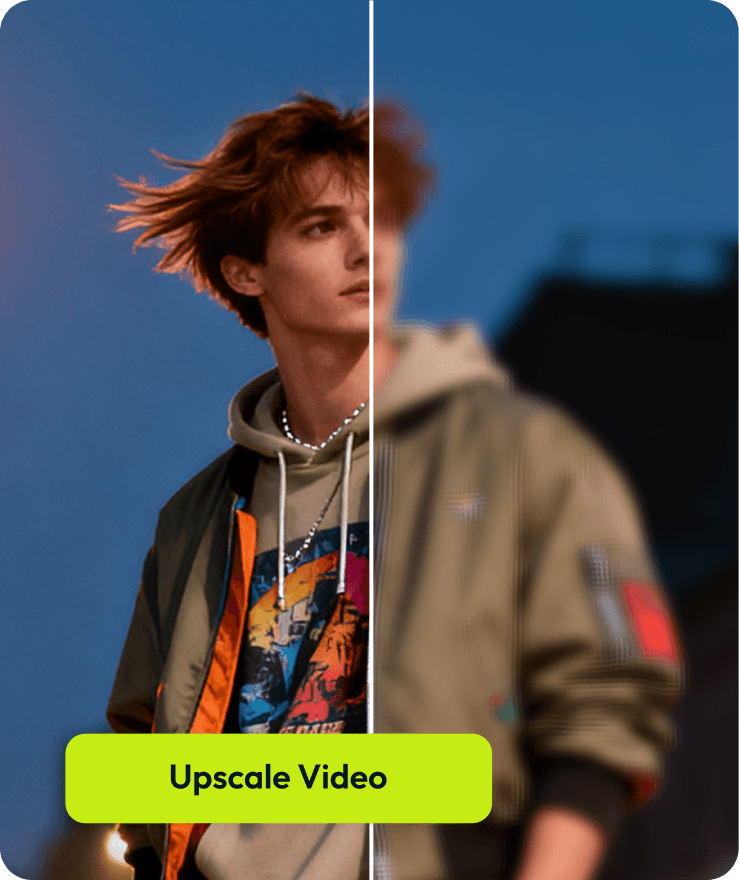
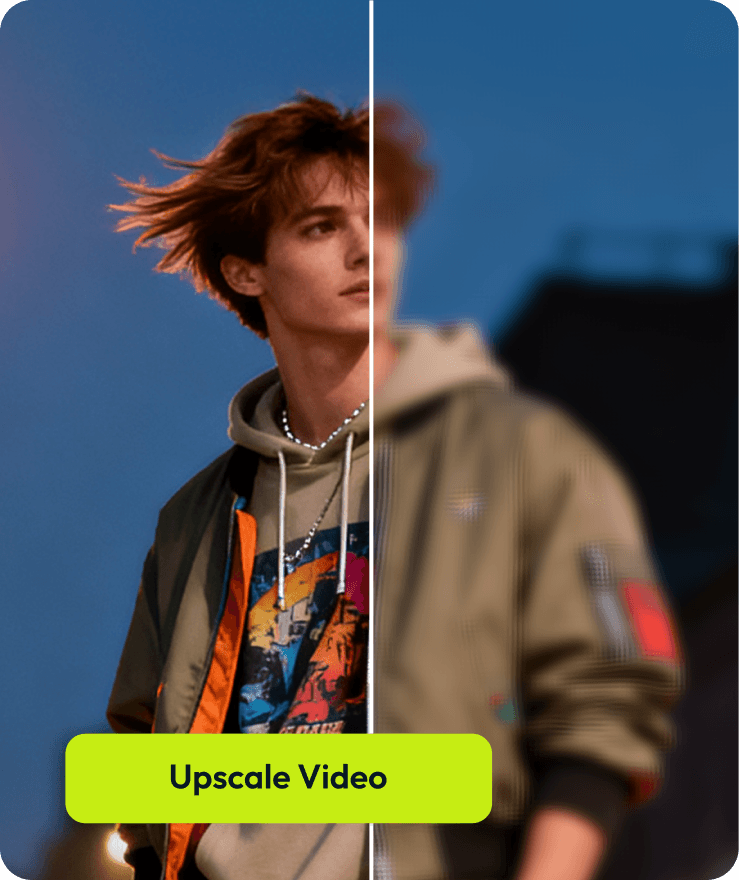
Yes! Flixier's AI can generate video drafts from text prompts or images. You can also use AI to create voiceovers, generate subtitles automatically, translate audio to 130+ languages, and enhance video/audio quality. The AI handles the heavy lifting while you maintain full creative control.
Is Flixier better than standalone AI video generators?
Flixier combines AI video generation with a full editing suite. Standalone AI generators like Sora or Runway create clips, but you still need a separate editor to trim, add audio, or combine scenes. Flixier puts generation inside the timeline so you can go from prompt to finished video in one place — no exporting, no file juggling, no re-uploading.
What makes Flixier different from other video editors?
Unlike traditional video editors that require powerful hardware and software downloads, Flixier runs 100% in your browser. Combined with AI-powered features and cloud rendering, you can edit professional videos on any device—Chromebook, Mac, PC, or even a tablet. Exports that take hours elsewhere complete in minutes with Flixier.
Is Flixier free to use?
Flixier offers a free plan that lets you explore all features and create videos without a credit card. Premium plans unlock additional export quality, storage, and advanced features. No hidden costs or surprise limitations.
Can teams collaborate on videos in Flixier?
Absolutely. Flixier supports real-time collaboration, allowing multiple team members to work on the same project simultaneously. Share projects with a link, leave comments, and iterate faster without emailing files back and forth.
Can I use Flixier on a Chromebook or low-end computer?
Yes. Flixier runs entirely in your browser and processes video in the cloud, so it works on Chromebooks, older laptops, and low-spec machines. There's nothing to download or install — just open your browser and start editing.
What file formats does Flixier support?
Flixier supports all major video formats (MP4, MOV, AVI, WebM, etc.), audio formats (MP3, WAV, AAC), and image formats (PNG, JPG, GIF). You can import directly from cloud storage (Google Drive, Dropbox), record screen/webcam, or upload from your device.